
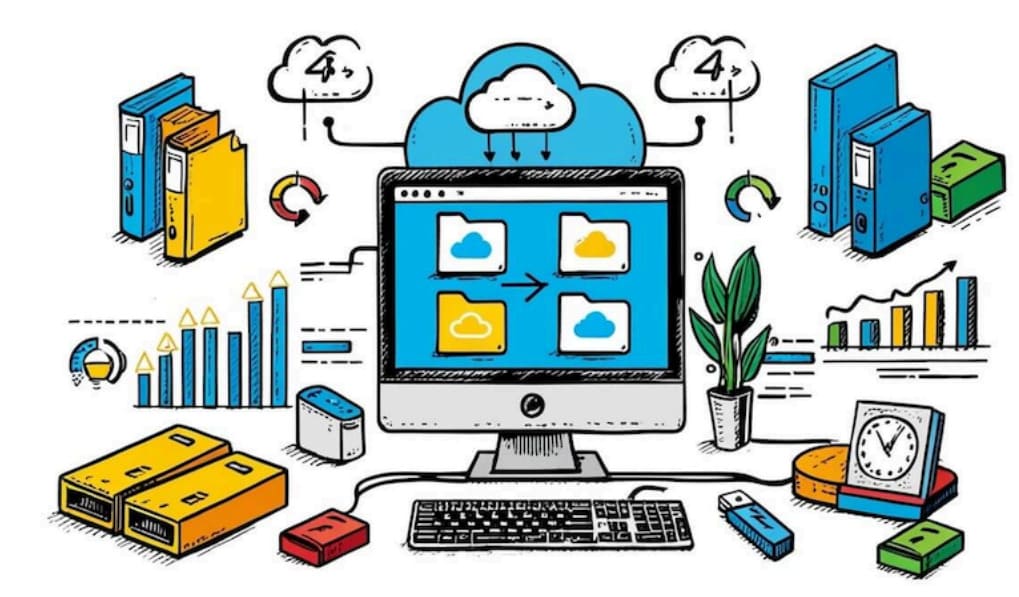
First of all let's clarify what I mean by backups and backup copying. In the context of this book these terms can be considered synonyms, so I'll more often use the shorter variant — backup. By backups I mean creating copies of things, objects, data and other resources and materials valuable to you, as well as storing them in places different from the originals. Now let's look at this in more detail with concrete examples.
First, let's recall from earlier chapters that our valuable resources and materials can be both physical (you can touch them, hold them in your hands, move them from one place to another) and virtual (located, for example, in the memory of a computer or phone). As the simplest example let's consider photos. They can be both physical and virtual. Each of you or your parents has photo albums, as well as important photos in your phone's memory. Imagine what will happen if there's a fire at home or if you lose your phone. All your photos, and with them the vivid memories linked to those images, will disappear. What you could look at every day and had "to hand" will never be available again. Doesn't sound great, does it? I admit, until recently all our old family photos stored in albums on cupboard shelves existed in a single copy. Only recently did I decide to digitise them and create virtual copies.
The photo example is simple and clear for understanding how you can lose everything in an instant. But it's only one example. Imagine you've been moving towards your goal for several years, and in one moment all your efforts can be wiped out. So it's extremely important to create copies of everything valuable to you whenever possible.
In the last chapter we discussed that it's important to keep valuable materials and documents in the house in a single, ordered form, and the same applies to virtual materials. Among the reasons for this I named quick and convenient access to data and objects, as well as clarity and transparency in your thoughts about them. In this chapter another reason appears why you should keep everything in order — backups. The better your data and documents are structured and stored as close together as possible in one place, the simpler and faster you can make backups from them. At the same time backup creation applies not only to virtual data but also to physical.
Let's look in more detail at what needs to be backed up, how to do backups correctly, how often and where to store them. So, as I've already noted, you need to create copies not only for virtual objects like photos in the gallery, but also for physical ones, for example flat documents or the same photos from physical photo albums gathering dust on the shelf. However not everything valuable to you can be involved in backups. For example, you can't print your flat or car on a printer (though of course if you really want to you can do it on a 3D printer, but you're unlikely to be able to drive such a car, though you could quite well live in a house printed on a 3D printer). If we're talking about flats or cars, insurance can serve as an alternative to backups. If we're talking about saving money for some goal, you can't of course make a copy of money, and you could be punished for that. For money think of the safest possible storage place, that could be a bank or even your own flat with proper handling. Creating copies of physical objects is significantly harder than virtual ones, since you can't make a copy of everything physical. Perhaps for older generations whose life is tied to the real world it will be harder to find objects to copy, while for younger generations who are more immersed in the virtual world I recommend doing backups on a regular basis.
Now let's move to the second question — how to do backups correctly. There's no single right answer here, and it depends on what exactly you're backing up, how valuable it is to you, and many other factors. If you're an advanced computer and phone user, you can set up automatic backup and not do it manually. However you can't automatically create a copy of everything: photos from the phone — yes, but results of your latest medical check-up printed on an A4 sheet — no. So I still do all copying myself, including photos. First I quickly delete photos I don't need so they don't get into the copy, and that seems to me good practice, since with automatic copying everything from your photos would be copied in a row. To finish this topic I can give you useful advice: make a clear list of what you'll copy each time. My list, for example, consists of:
1) photos and video (with preliminary cleaning and removal of unnecessary);
2) work projects (program code);
3) home projects (program code);
4) home documents;
and some other items.
Thanks to the fact that almost everything is stored in one place for me, doing backups isn't hard and the whole process doesn't take much time.
Moving on. How often should you do copying? There's no single right answer here either, and everyone has the right to choose for themselves how often to do it. You can do backups every week, or once a year. What might it depend on? Besides the importance and value of your data, it also depends on how often they change and get new information. It's important to understand that some data you can backup often, and others — very rarely. For example, if you want to scan copies of flat documents, what's the point of doing it every week or every month if the information about your flat most likely doesn't change? In that case there's no need to create dozens of copies.
Now let's look at the final question: where to store your copies? If I give a brief answer, store them as far as possible from the originals. But let's look at this question in more detail. First of all, I recommend creating virtual copies of physical objects, since virtual copies can be stored all over the world, and that's quite safe. I know people who store their data in data centres on different continents, which protects them from disasters like an asteroid impact. Even if a disaster happens on one continent, these people's copies will remain on computers on other continents. Nevertheless, I don't recommend overcomplicating the storage process. It will be enough if you simply store copies in different places from the originals. If you have the option to store them on the internet, choose a suitable and safe place. If not, consider storing copies with children, parents, in your second flat or anywhere else where your data wouldn't be harmed if the originals were accidentally destroyed.
About ten years ago my hard drive broke, and I practically recovered no important information from it, including home and work projects, and I had to start everything from scratch. At Pixar, when working on the cult cartoon "Toy Story 2", 90% of the material was accidentally destroyed in a few seconds. Only thanks to a backup by one of the employees working from home was the film recovered. So it's always better to learn from others' mistakes. Don't wait until through carelessness or for some other reason the materials or data dear to you that help you achieve your goals disappear.
